I recently finished writing metadata into every single photo on my own website — all of them, one standard, no exceptions. It's the same work I deliver to clients, so it felt only right to hold my own library to it. Doing that pass reminded me how invisible this whole subject is to business owners, even though it quietly decides whether your photos work for you or just sit there looking nice. So this post is the plain-language explanation I wish every salon owner, restaurant operator, and small brand had.
What is image metadata?
Image metadata is information written inside the photo file itself — a label that travels with the image wherever it goes. Think of a printed photo with notes on the back: what it shows, who took it, where, and who owns it. Digital photos have the same thing, except the notes are invisible unless you (or a computer) look for them.
The label has room for things like:
- Description
- A sentence or two saying what the photo actually shows — the subject, the setting, the location. Written for a human, readable by a machine.
- Alt text
- A short description used by screen readers, so a person who can't see the image still knows what's there. Search engines read it too.
- Creator & copyright
- Who made the photo and who owns it. This is your name staying attached to your images even after they're downloaded, shared, or re-posted.
- Keywords
- A few plain terms — the industry, the type of shot, the neighborhood — that let software sort and find images the way you'd search a filing cabinet.
- Location & business name
- Where the photo was taken and whose business appears in it. For a local business, this connects the image to your city and your name.
- Licensing info
- A link that tells Google and anyone else where to go to license or learn about using the image. Google can show a "Licensable" badge on images that carry it.
None of this changes how the photo looks. It changes what the photo knows about itself.
What does that actually look like?
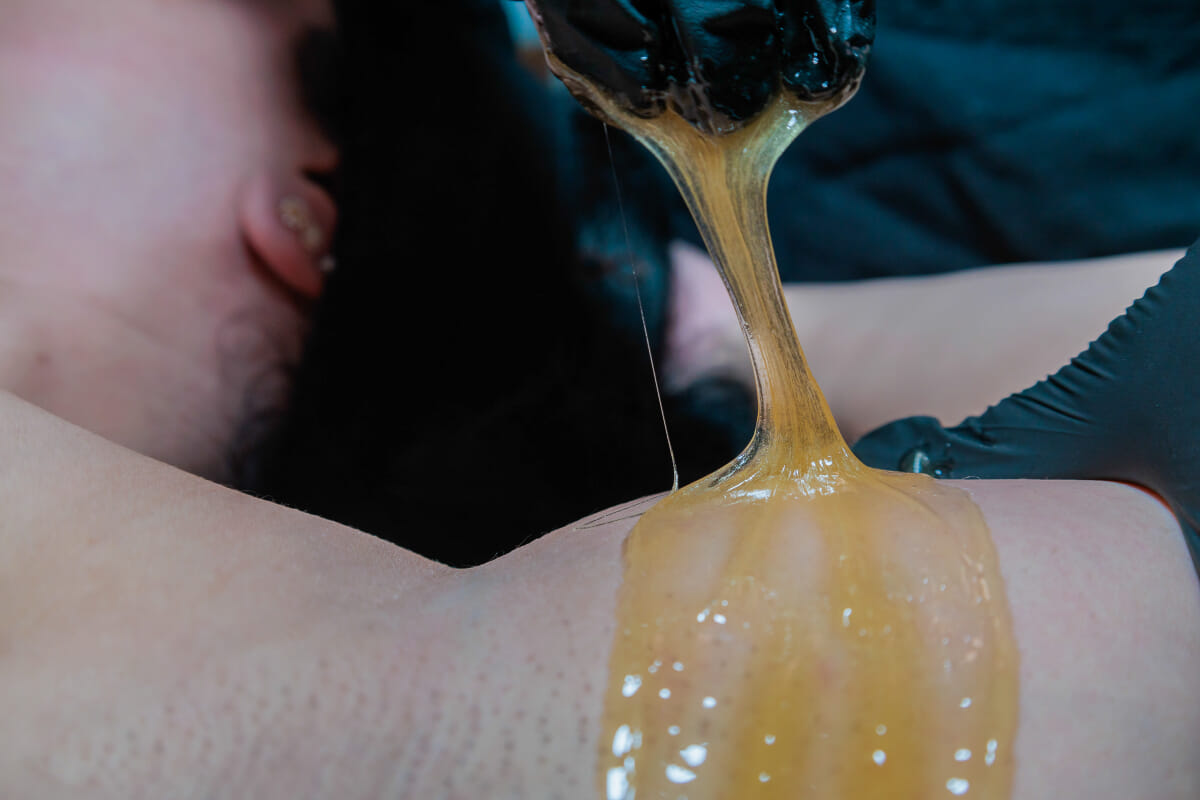
Here's a real example — a photo from a sugaring session I shot at Blossom Organics SD in North Park, San Diego, and the label written inside it:
Why does image metadata matter for a business?
Because the things that find your photos — Google, AI assistants, screen readers — can't see; they read. A beautiful photo with a blank label is invisible to all of them. A labeled photo works in four ways:
- Search. Google Images reads the label to understand what a photo shows and who to credit for it. Labeled photos can surface for searches your website copy never mentions — and they carry your name when they do.
- AI answers. When someone asks an AI assistant "who does med-spa photography in San Diego?" or "show me examples of esthetician treatment photos," the AI is reading descriptions, not admiring lighting. Photos that explain themselves are photos that can be cited.
- Accessibility. Alt text means customers using screen readers actually experience your work instead of hearing "image." That's real people, and it's also something search engines reward.
- Ownership. Your name and copyright travel inside the file. If a photo gets downloaded and re-uploaded somewhere else, the label goes with it. It's not bulletproof, but it's the difference between a claimed photo and an orphan.
Who does this actually help?
Any business whose photos are its storefront. In my work that's mostly:
- Salons, med spas, and estheticians — treatment photos, before-and-afters, and product shots that need to be findable by the people (and AIs) searching for exactly those services.
- Skincare and beauty brands — product photography that has to work on a website, in a store listing, and in search, all from the same files.
- Restaurants, bars, and hospitality — food, drinks, and atmosphere photos that should say where they were taken, because "amazing cocktail" is useless without "in your neighborhood."
The common thread: these are businesses too busy running the business to ever do this by hand. Fair enough — it's meticulous work. That's why I sell it done.
What is the Web Bank?
The Web Bank is my photo package where every image is delivered search-ready — the metadata work in this article already written into every file. I shoot your session, then each photo gets a descriptive filename, a written description, alt text, keywords, your business name and location, and proper creator and copyright info. You own the files outright, no watermarks.
It's the deeper version of my Social Bank, which is built for speed — culled, edited, and delivered in 48–72 hours for your own posting. The Web Bank takes 7–14 days precisely because of the labeling pass: it's photography plus the invisible layer that makes photos work on the open web. That layer is the difference between the two products, and it's why the Web Bank exists.
Do I need this if I mostly post on Instagram?
Honest answer: not until your photos live somewhere you own. Instagram strips metadata on upload and keeps your content inside its walls — a labeled photo and a blank one perform the same there. If your entire presence is social, the Social Bank covers you.
But the moment photos go on your website, a Google Business Profile, or anywhere the open web can reach, the label starts paying rent — in search results, in AI answers, in credit that points back to you. Most businesses I work with end up in both places: social for the daily feed, their website for being found. The Web Bank is for that second job.
Want your photo library delivered search-ready instead of doing this yourself? See the Asset Bank or view pricing.